 Beatrice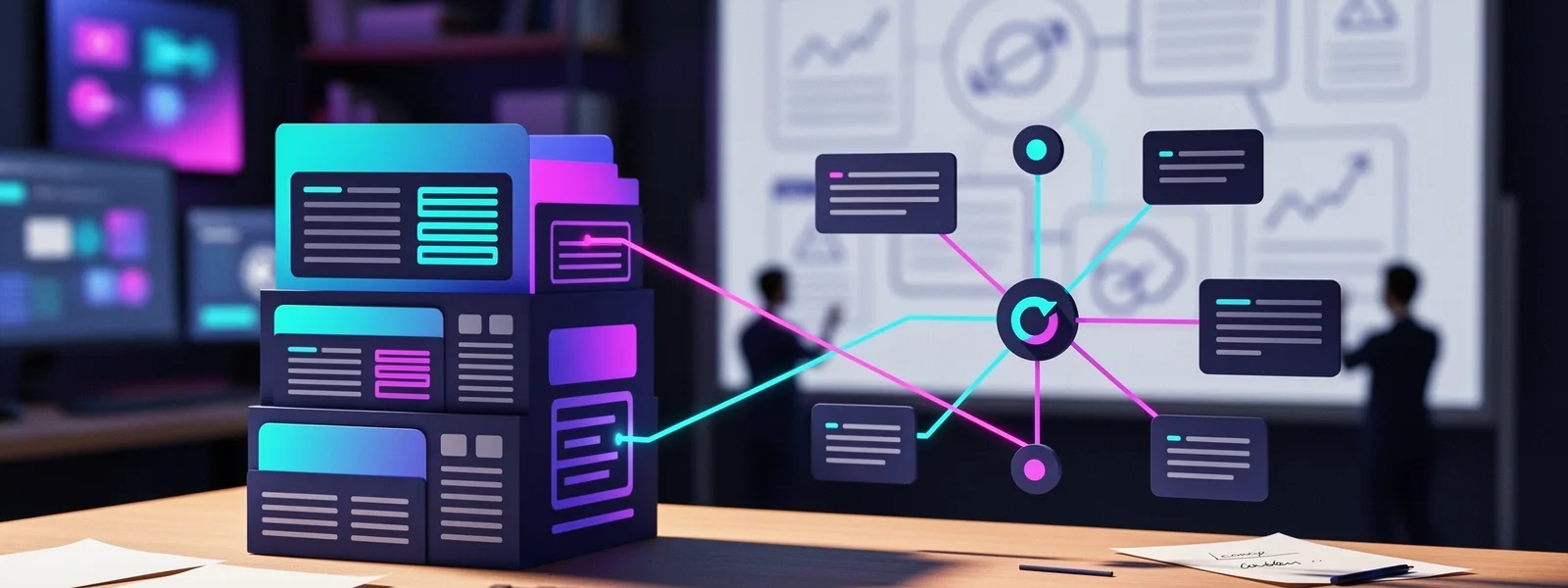
Your marketing team needs to update the homepage hero text, but the change requires a developer because the 'content' is hard-coded in React components. Meanwhile, your e-commerce product pages load slowly, hurting conversions. These are daily friction points that stem from a foundational choice: your content management system. To go deeper, you can also read Comparing traditional CMS and headless CMS solutions : Quel système de gestion de contenu est fait pour vous ..
Choosing between a traditional, all-in-one CMS and a modern, headless CMS architecture is not about which is objectively better. It's about which system aligns with your specific business requirements, technical capabilities, and content ambitions. This decision influences everything from page speed and SEO performance to developer velocity and editorial freedom. To go deeper, you can also read Emerging trends in headless CMS platforms.
This comparison moves beyond marketing buzzwords to examine the concrete operational and technical trade-offs. We'll dissect the architectural differences, scrutinize the real SEO implications, and provide a framework for evaluating which solution matches your organization's reality. The goal is to equip you with the context needed to make an informed choice, whether you're planning a new build or assessing a costly platform migration.
Architectural fundamentals: the coupling of content and presentation
The core distinction lies in how a CMS handles the relationship between content storage and content delivery. A traditional CMS, like WordPress, Drupal, or Adobe Experience Manager, operates as a monolithic system. It manages the database where your content lives, the administrative interface where you edit it, and the front-end templates that render it as a webpage, all in a single, tightly coupled application.
This coupling is the source of both its greatest strength and its most significant limitations. The strength is simplicity for content creators. They log into a familiar dashboard, use a visual editor (often a WYSIWYG, What You See Is What You Get, tool), hit publish, and immediately see the live result. The template governs the layout, ensuring brand consistency without requiring design skills.
A headless CMS, in contrast, decouples these functions. It acts solely as a content repository and management interface, a "back-end only" system. Your articles, product data, and images are stored and managed there, but they are delivered as raw data via an API (Application Programming Interface), typically in JSON format. This raw content can then be consumed and displayed by any front-end application: a website built with React or Vue.js, a mobile app, a smartwatch display, or a digital kiosk.
The front-end, or "head," is completely separate, built and maintained by developers using modern frameworks. This separation creates a clear division of labor: content teams work in the streamlined CMS back-end, while developers have full control over the presentation layer using their preferred tools.
The monolithic stack versus the API-first approach
Think of a traditional CMS as a full-service restaurant. You get a complete, integrated experience, the kitchen (back-end), menu (templates), dining room (front-end), and service (hosting, often) are all provided and designed to work together seamlessly. Your choices are constrained by the menu, but you don't need to worry about how the kitchen operates.
A headless CMS is like a professional kitchen supplier delivering high-quality ingredients via a delivery API. You receive the raw materials (content), but you must build your own dining experience (front-end) from the ground up. This offers unparalleled flexibility in what you create, a pop-up cafe, a food truck, a gourmet meal kit, but requires significant investment in chefs, recipes, and venue.
In practice, this means a WordPress site's theme dictates the possible layouts for a blog post. Changing that layout often means modifying the theme's PHP files. In a headless setup, changing the layout of a blog post on your main website means updating the React component that fetches and displays the post data, without ever touching the CMS where the post's text is stored.
Evaluating the direct impact on SEO and performance
Search engine optimization is rarely the primary driver for choosing a headless architecture, but the technical implications are profound. The decoupled nature of headless CMSs directly influences core web vitals, indexing efficiency, and on-page optimization workflows.
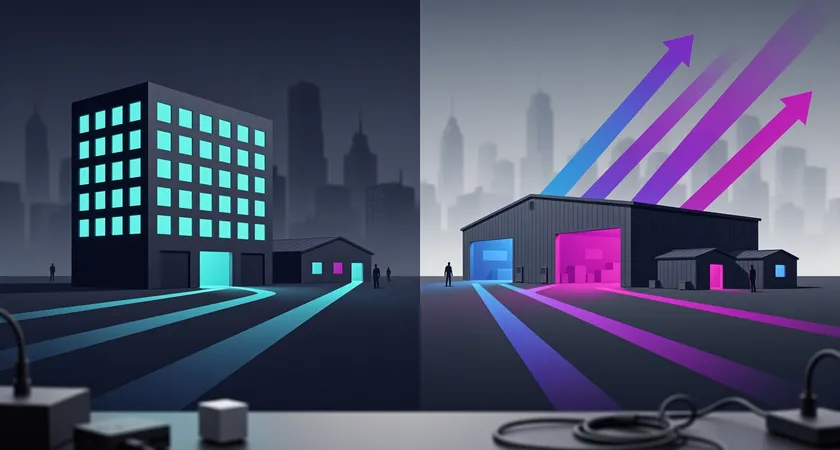
Page loading speed, a critical ranking factor, is often a headless advantage. Because the front-end is typically a static site or a lightweight JavaScript application served from a global CDN, the Time to First Byte (TTFB) and Largest Contentful Paint (LCP) can be exceptionally fast. There's no database query or server-side processing required at the moment a user requests the page; the HTML (or the JavaScript that quickly builds it) is already pre-built or efficiently served. On projects where we audit site speed, moving from a poorly optimized traditional CMS to a modern Jamstack (JavaScript, APIs, Markup) architecture with a headless CMS frequently yields 40-60% improvements in LCP scores.
However, this performance benefit comes with a significant SEO caveat: JavaScript rendering. If your headless front-end is a client-side rendered React app, search engine crawlers must execute JavaScript to see your content, just like a browser does. While Googlebot is generally proficient at this, it adds complexity and potential for indexing delays or errors. The preferred method is to use server-side rendering (SSR) or static site generation (SSG) frameworks like Next.js or Gatsby, which serve fully-formed HTML to both users and crawlers, preserving the speed benefit without the indexing risk.
The editorial workflow and on-page SEO control
For SEO practitioners and content editors, the day-to-day experience differs drastically. Traditional CMS platforms have matured over decades with SEO plugins like Yoast SEO or Rank Math. These tools provide real-time, in-context feedback within the editing screen: meta title and description length checkers, readability scores, keyword density alerts, and previews of how the snippet will look in search results. This integrated guidance is invaluable for teams without deep technical SEO knowledge.
In a headless CMS, this type of integrated, visual SEO tooling is often absent. The CMS back-end is purely for content entry, title, body, excerpt, custom fields. The rules for meta titles, Open Graph tags, and schema markup are usually defined in the front-end code by developers. An editor might fill out a "Meta Description" field in the CMS, but whether it's truncated correctly, combined with the site name, or output as the right HTML tag is determined by code they cannot see or change.
This shift requires a more procedural and collaborative SEO workflow. SEO requirements must be meticulously documented and translated into front-end component logic and validation rules within the CMS's field settings. One common pattern is to use the headless CMS to define structured content models (e.g., a "Blog Post" model with fields for Title, Slug, Body, Excerpt, Primary Keyword, and Meta Description Image), and then rely on the development team to ensure those fields are rendered correctly in the HTML output. The burden of SEO correctness moves from the content editor's instant feedback loop to the upfront planning and development phase.

Team dynamics and the total cost of ownership
The financial and operational implications of a CMS choice extend far beyond initial licensing fees. The total cost of ownership is shaped by team structure, required skill sets, and the velocity of ongoing changes.
A traditional CMS lowers the barrier to entry for marketing and content teams. They can often manage routine updates, publishing blog posts, updating banner images, editing page copy, without involving technical staff. This independence speeds up simple content cycles and reduces friction. The cost model is relatively predictable: hosting fees, theme/plugin licenses, and perhaps retainers for security updates and minor tweaks. However, as the site grows in complexity, costs can balloon through an accumulation of plugins, custom code to work around platform limitations, and performance optimization services to counteract bloated architectures.
A headless CMS inverts this model. Initial development costs are almost always higher because you are building a custom front-end application. You need a dedicated team of front-end developers proficient in modern JavaScript frameworks. The ongoing cost dynamic is different: routine content updates remain free from developer involvement, but any change to the presentation layer, adding a new component type, redesigning a page layout, requires developer resources. This can create a bottleneck where marketing initiatives are queued behind development sprints.
The skill set requirement is a decisive factor. A traditional CMS might be managed by a webmaster with PHP and WordPress knowledge. A headless stack requires developers comfortable with APIs, React, state management, and deployment pipelines for static sites or Node.js servers. The scarcity and cost of this talent is a real-world constraint for many organizations.
On the other hand, the decoupled architecture can lead to greater long-term efficiency for large, multi-platform digital experiences. Once the content API is established, launching a new mobile app or a campaign microsite becomes a project of building a new "head" that consumes the existing content, rather than a duplicate content management effort. The return on investment scales with the number of digital touchpoints you need to support.
Decision framework: when to choose which path
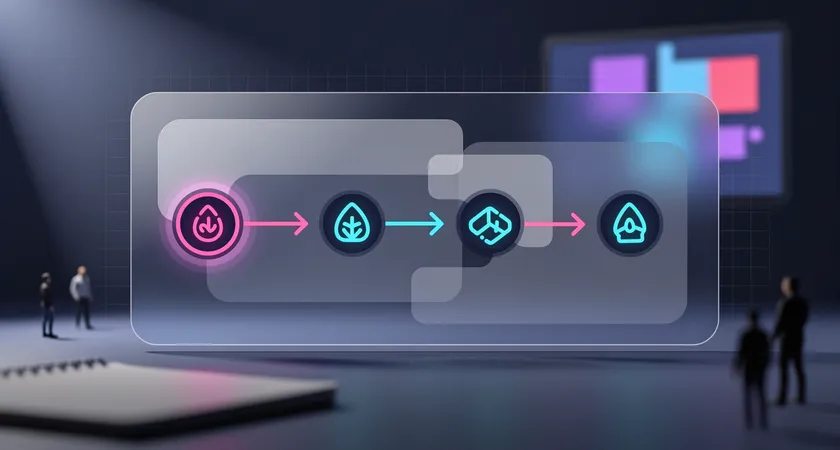
With the technical and operational trade-offs laid out, the choice becomes a series of diagnostic questions about your project's primary goals, constraints, and future trajectory. There is no universal winner, only the most appropriate tool for your specific context.
Lean towards a robust traditional CMS if your primary needs revolve around a content-rich website or blog with a strong emphasis on editorial agility and in-house SEO management. This path is compelling if your team has limited dedicated developer bandwidth, but possesses strong content marketing skills. It's also a pragmatic choice when budget constraints are tight on upfront development costs, even if long-term total cost may vary. Use cases that align well include marketing websites for SMBs, news publications, educational blogs, and any project where the website is the sole and final destination for your content.
Consider the following questions. Does your marketing team need to frequently A/B test landing page layouts without writing code? Will non-technical staff be primarily responsible for publishing and optimizing content? Is your project timeline aggressive and budget-constrained for the initial launch? If you answer 'yes' to these, a traditional CMS like WordPress (with modern hosting and a lightweight theme) is likely a more practical foundation.
Prioritize a headless architecture when your strategy demands omnichannel content delivery, exceptional website performance is a non-negotiable competitive requirement, or you have a mature development team eager to use modern tools. This approach makes sense when you are building a digital product where the website is one component of a larger ecosystem, think of a SaaS application with a marketing site, user dashboard, and help center all fed from the same content hub. It is also the logical choice for large-scale e-commerce platforms where personalization, real-time data, and complex user interactions drive the front-end experience, but product information needs centralized management.
The pivot point often arrives when a company outgrows the constraints of its monolithic platform. The telltale signs are familiar: the website becomes sluggish despite optimization efforts, adding new features requires convoluted workarounds, and the desire to push content to an app or other digital display becomes a manual, error-prone process. At this stage, the investment in a headless replatforming starts to show its strategic return.
Navigating implementation and avoiding common pitfalls
Selecting a path is only the first step. Successful implementation requires anticipating challenges that frequently derail projects, particularly when moving to a headless model for the first time.
For teams adopting a headless CMS, the most frequent oversight is underestimating the content modeling phase. In a traditional CMS, you might start writing posts immediately. In a headless system, you must first architect your content types and their relationships. What fields does a 'Blog Post' have? How does an 'Author' link to a post? What is the structure of a 'Product' with variants? This requires upfront collaboration between content strategists, designers, and developers to model content for flexibility and reuse. Rushing this phase leads to costly restructuring later.
Another common pitfall is neglecting the editorial experience. The minimalist, field-based interface of many headless CMSs can feel sterile and restrictive to editors used to visual builders. To mitigate this, invest time in configuring the CMS's editorial interface: use field validation, helper text, custom previews, and a logical tab structure to make it intuitive. Some headless CMSs offer visual editing plugins that can bridge this gap, restoring a degree of layout control for editors within the decoupled framework.
On the traditional CMS side, the major pitfall is technical debt through plugin sprawl. The ease of installing plugins to solve every problem can lead to a fragile, slow, and insecure site. The discipline here is to treat a traditional CMS with the same rigor as custom software: maintain a minimal, well-vetted plugin list, keep core and plugins meticulously updated, and use a modern, optimized hosting environment rather than cheap shared hosting. Performance and security are not automatic; they are the result of ongoing, skilled maintenance.
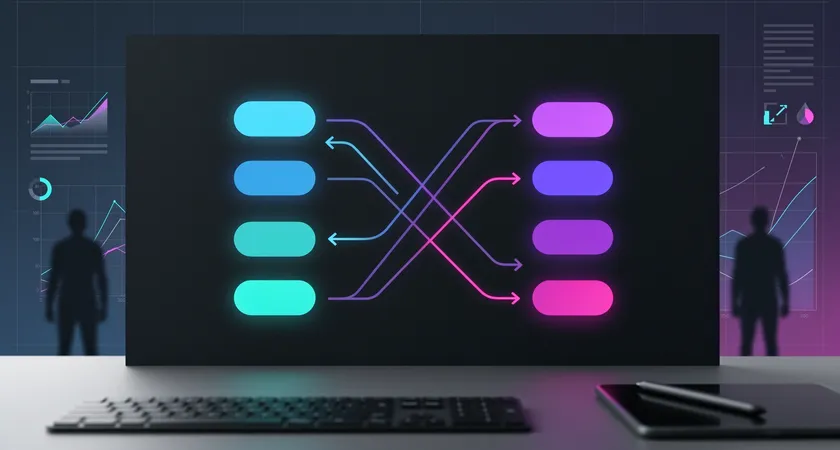
Regardless of the chosen architecture, a clear migration plan for existing content is critical. This process is rarely a simple export/import. It involves mapping old content structures to new ones, handling redirects for changed URLs to preserve SEO equity, and cleaning up legacy formatting. This work is complex, tedious, and vital. On real-world migrations, we often find that the content cleanup and redirect strategy consumes a third of the total project effort, a detail frequently missing from initial project estimates.
The choice between a traditional and headless CMS is a strategic one, defining your content agility, technical capabilities, and cost structure for years. Traditional systems offer a mature, integrated environment that prioritizes editorial ease and rapid deployment for web-centric projects. Headless architectures provide unparalleled flexibility and performance for omnichannel, engineer-driven digital experiences.
The most successful implementations align the technology with the organization's core competencies and primary goals. They are not decisions made in a vacuum by IT or marketing alone, but through a collaborative assessment of business needs, user expectations, and team capacity. Before committing to a path, prototype the editorial experience for your team and benchmark the performance of similar sites built with each approach.
For many organizations, the optimal solution may not be a pure play, but a hybrid approach. Some traditional CMSs are evolving headless capabilities via API frameworks, while some headless CMSs are adding more visual, page-building features. The landscape is converging, offering more nuanced choices. Start with a clear understanding of your non-negotiable requirements, and let those guide your evaluation beyond the hype, toward a platform that genuinely scales with your ambition.